
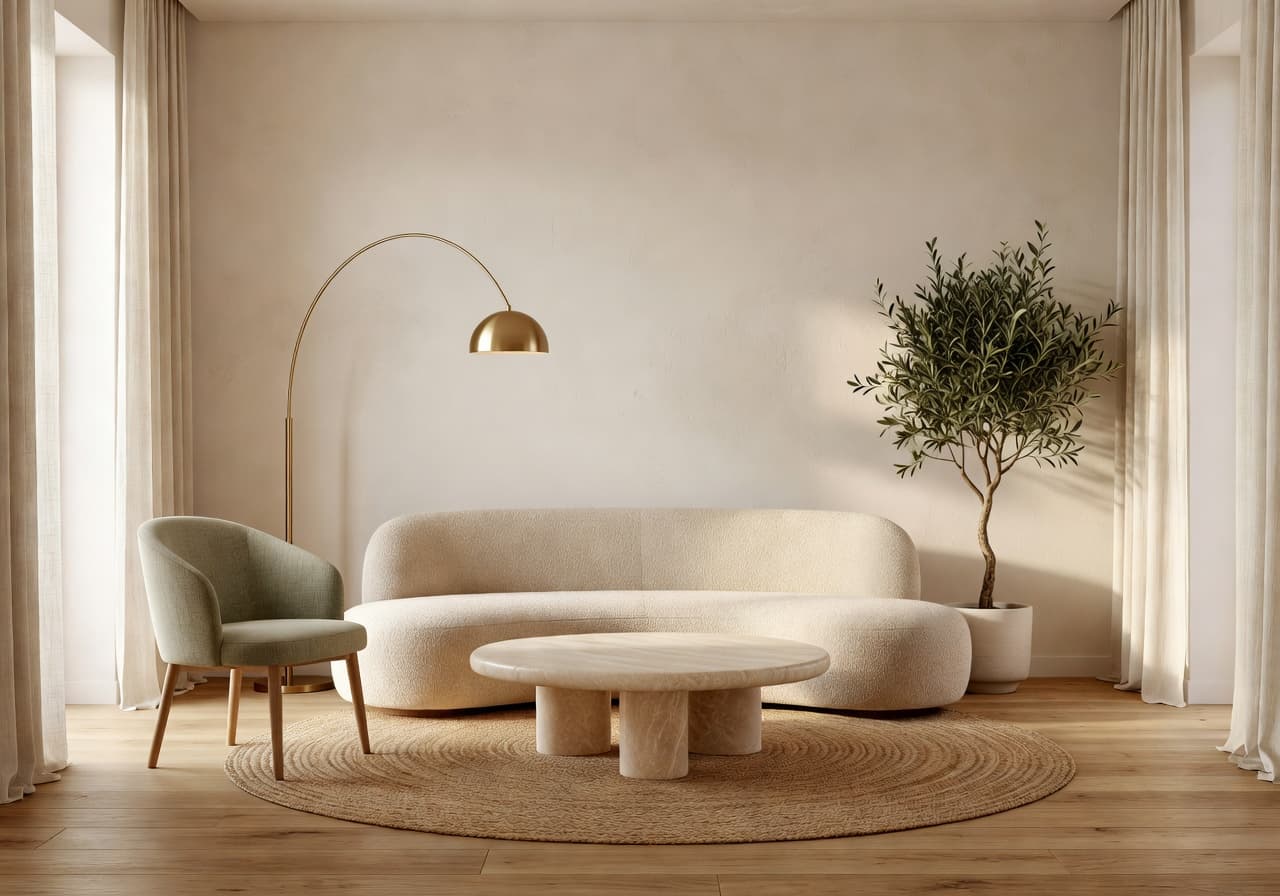
 Warm Minimalist
Living Room AI Design
Homeowners refreshing a tired sofa wall before buying furniture.
From a single room photoTry this in DecorAI
Upload a photo of your room, pick a style, and watch DecorAI generate AI home design ideas, room makeover concepts, furniture inspiration, and before-and-after redesigns directly from your phone.


Free download. No interior design experience needed. iPhone & Android.
Quick answer
DecorAI is an AI home design app that helps you upload a room photo and generate home design ideas with AI. Choose an interior style, create before-and-after room makeover concepts, and explore furniture and decor inspiration from your real room photos. The DecorAI AI home design app is available on iPhone and Android.
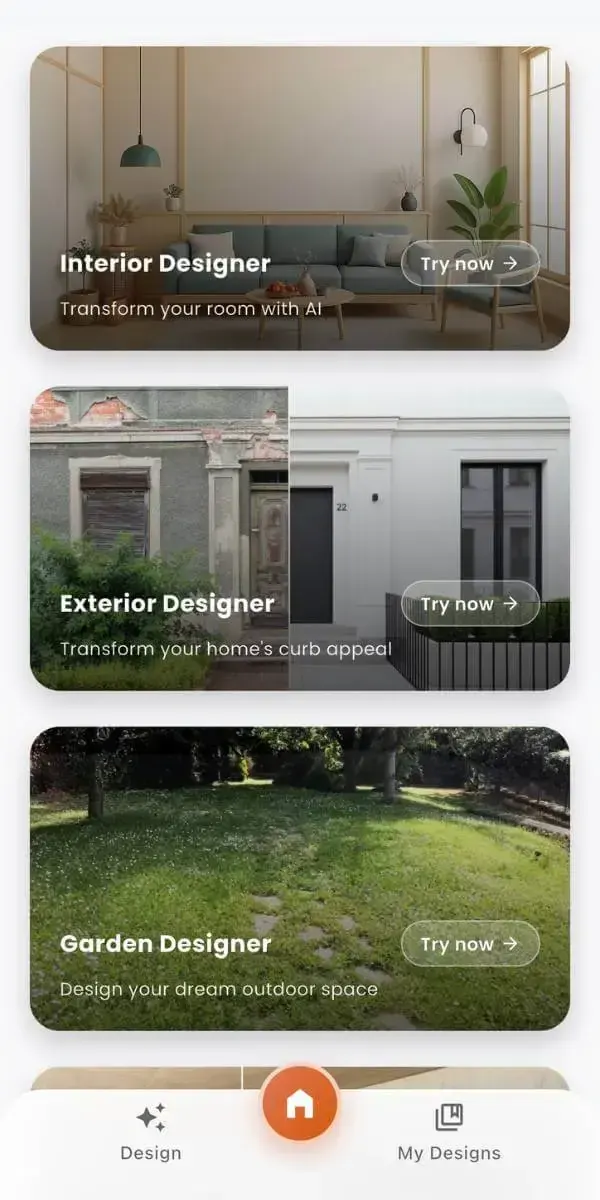
Mobile App Workflow
DecorAI makes home design mobile-first. Take or upload a photo of your room, choose a style, and generate AI home design ideas directly from your iPhone or Android device — no design tools to learn.
How DecorAI Works
Five steps. No design experience. The whole flow runs from your phone, so you can plan your home design between meetings, on the sofa, or right before furniture shopping.
Snap a fresh photo or pick one from your camera roll — DecorAI works directly with your real space.
From warm minimalist to Japandi, organic modern, Mediterranean and more — or write a goal like "make this cozier".
The AI home design app keeps your room's walls, windows and layout, and applies your chosen style.
Slide between your original room and the AI redesign to see exactly how the space could look.
Save and share concepts with your partner, decorator, or contractor before you spend a dollar.
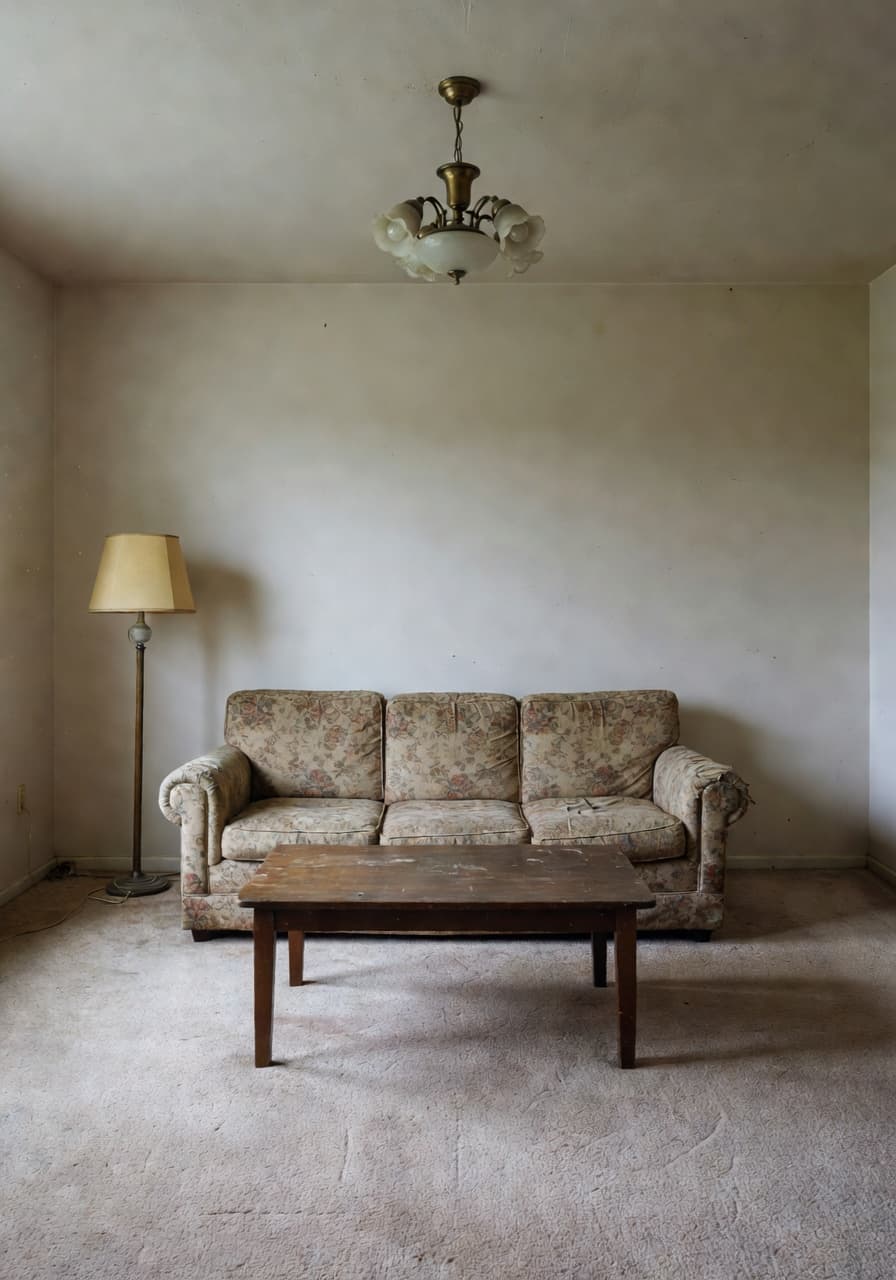
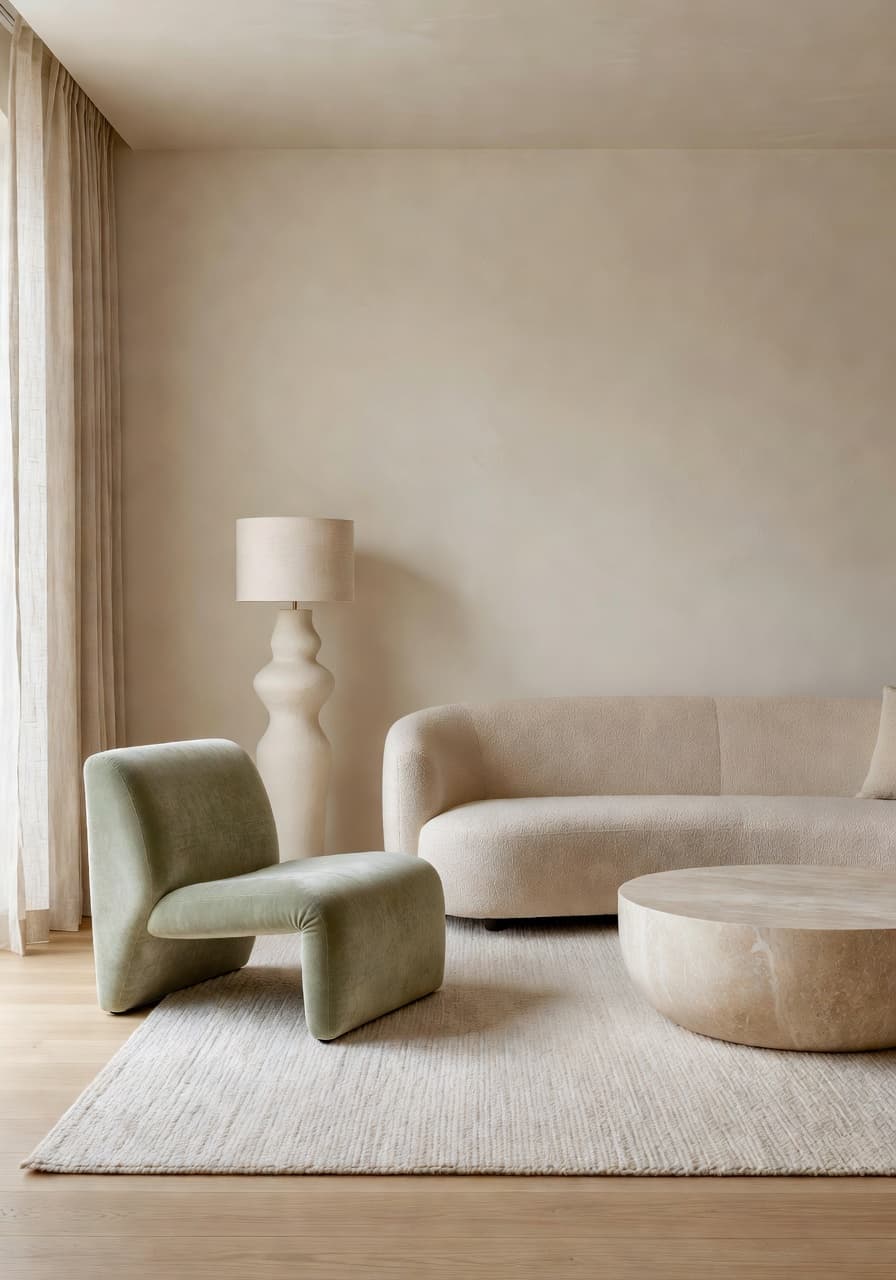
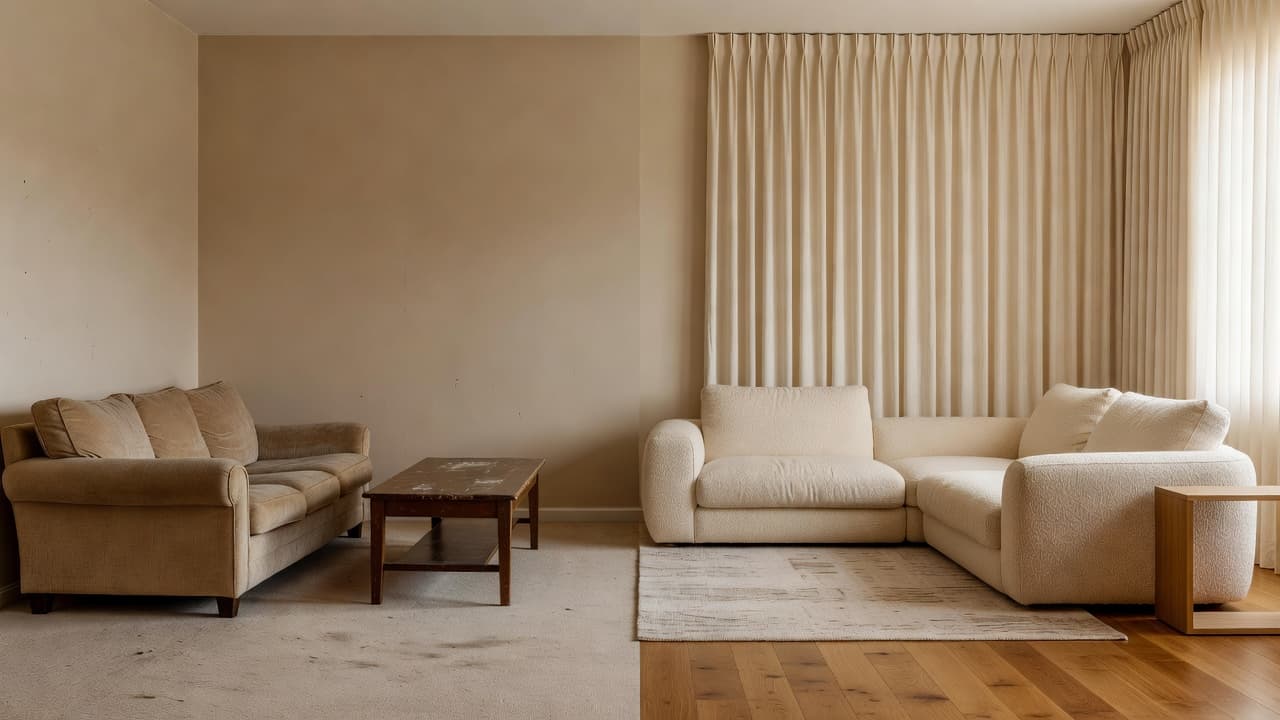
Before-and-after home design
Every concept below was generated by the DecorAI AI home design app from a real room photo — same walls, same windows, redesigned styling.
Warm MinimalistHomeowners refreshing a tired sofa wall before buying furniture.
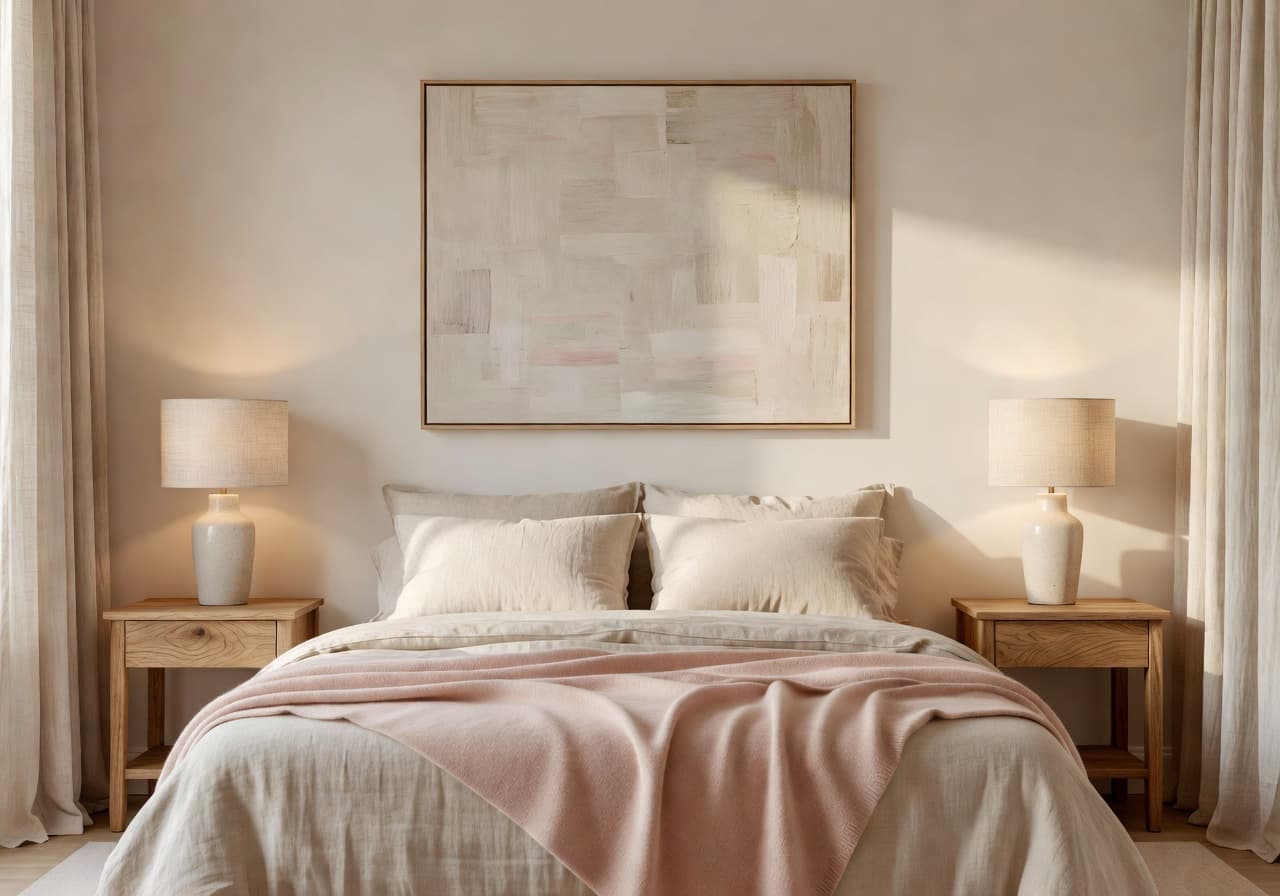 Cozy Japandi
Renters who want a calm, photogenic bedroom without painting.
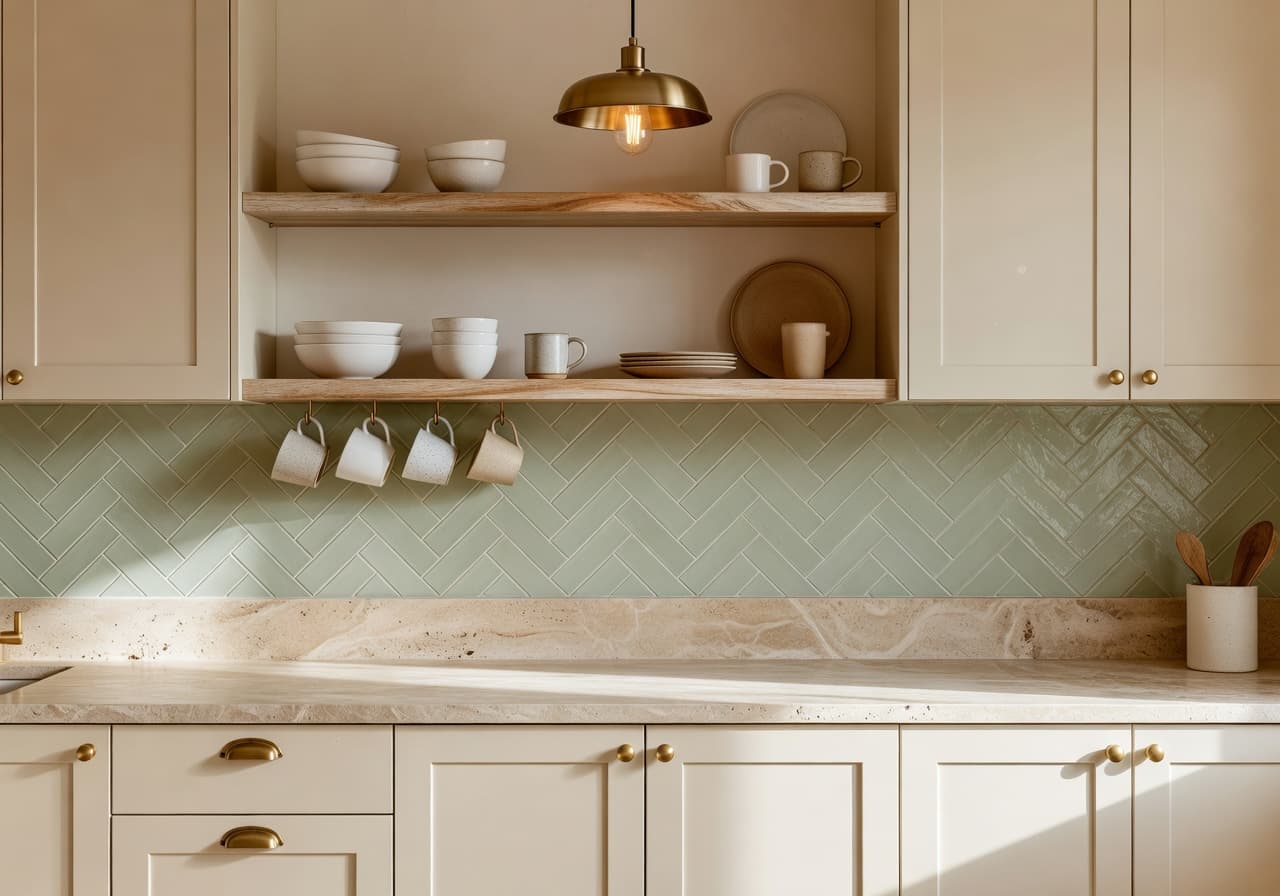 Cream + Oak Modern
Renovation planners pricing finishes against a real-room mood.
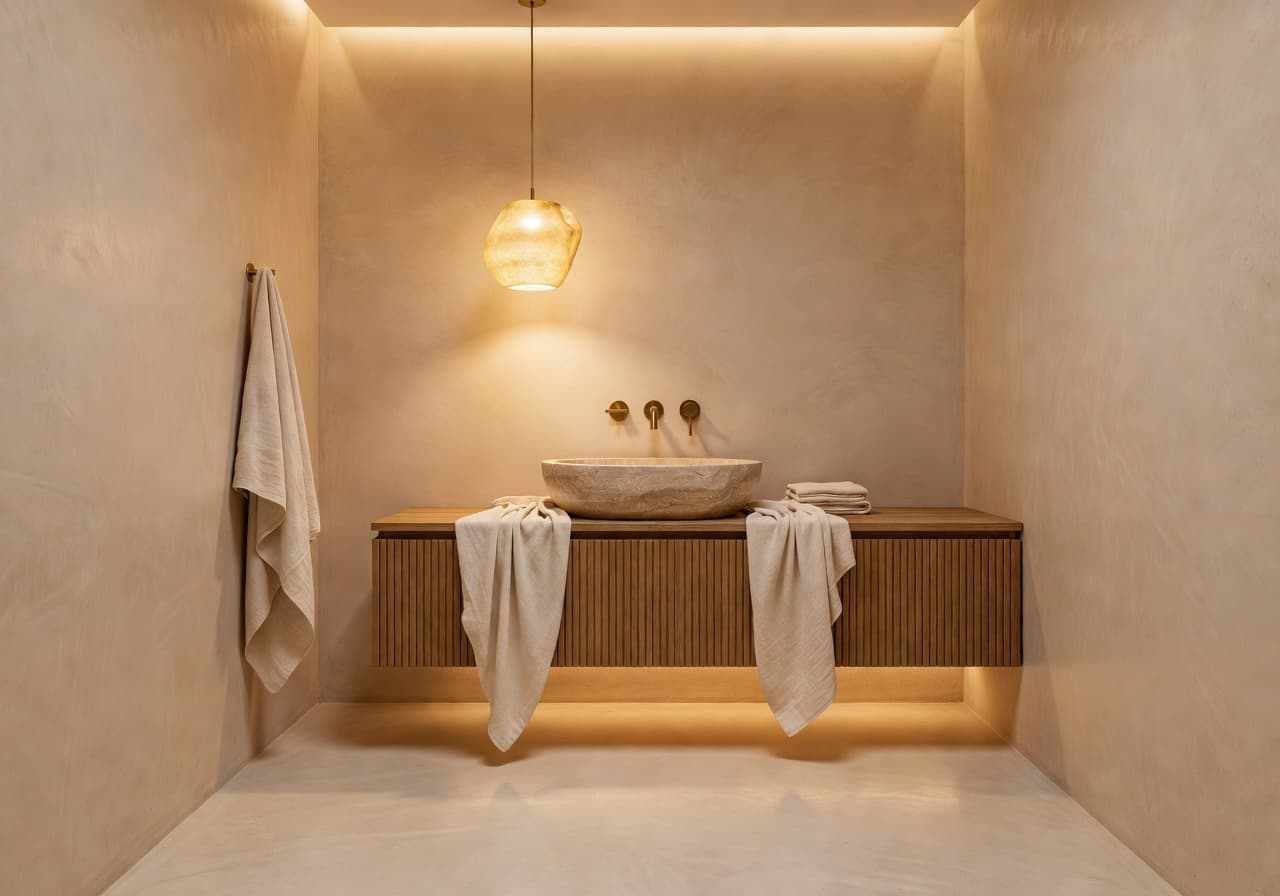 Spa Luxury
Couples weighing a small bathroom remodel before committing.
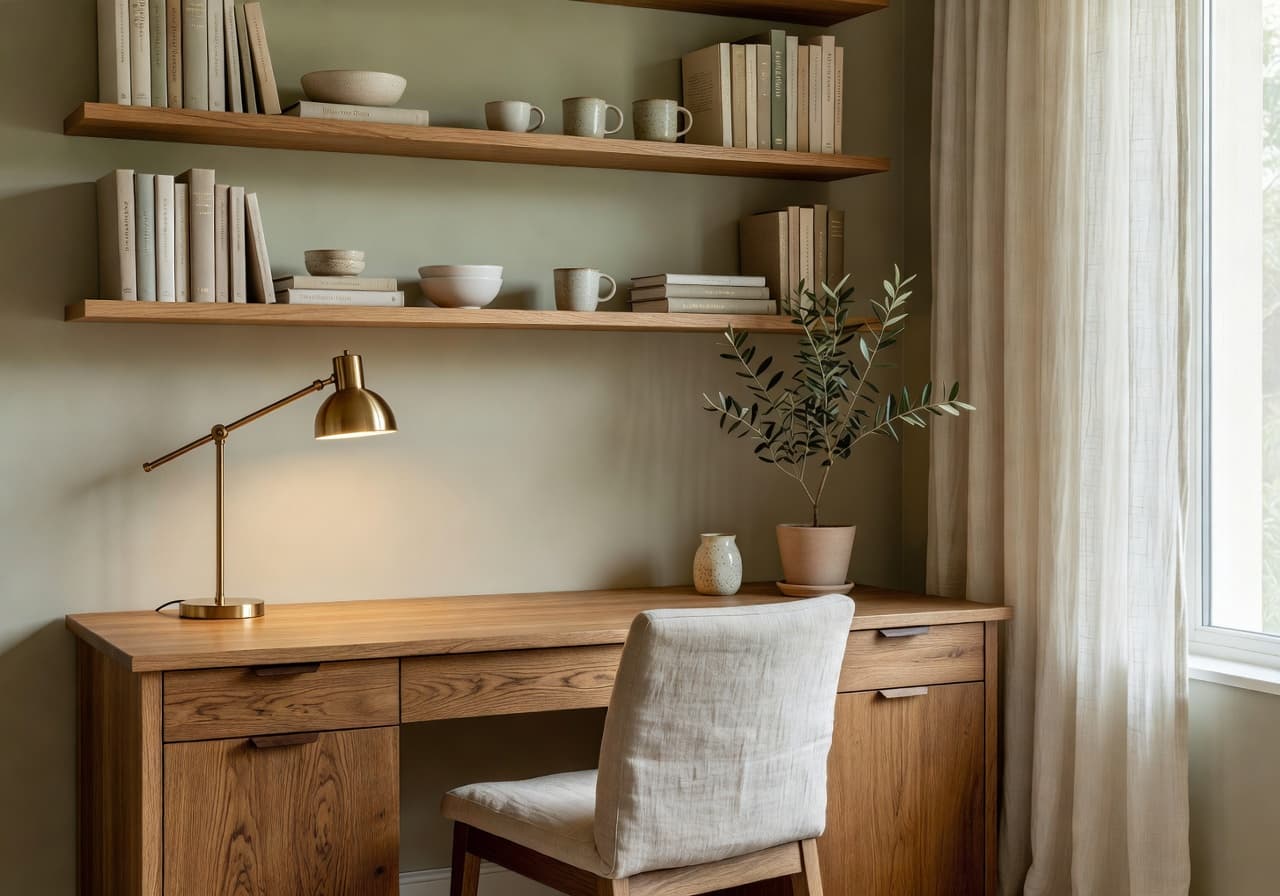 Soft Sage Studio
Remote workers planning a calmer video-call background.
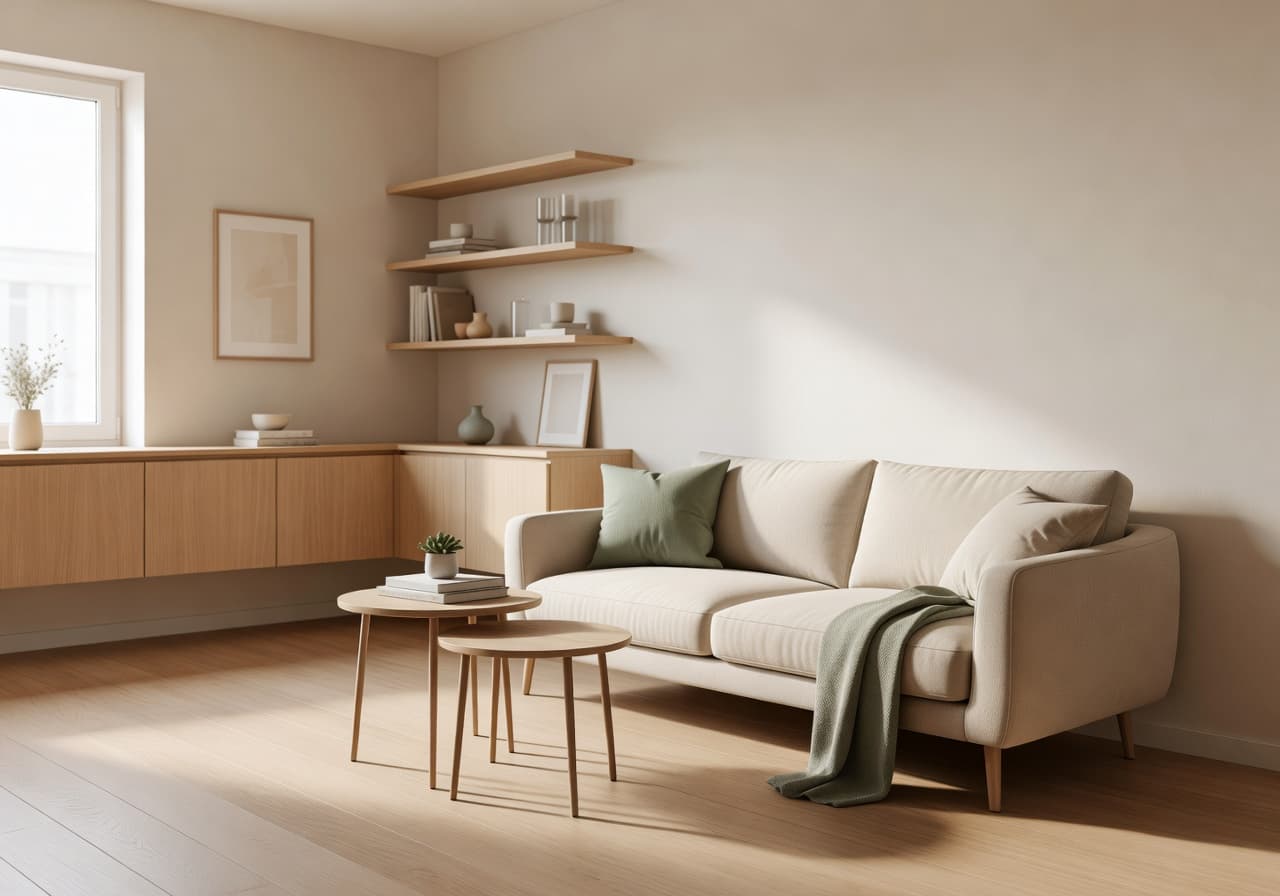 Bright + Compact
Urban renters making a small studio feel airier.
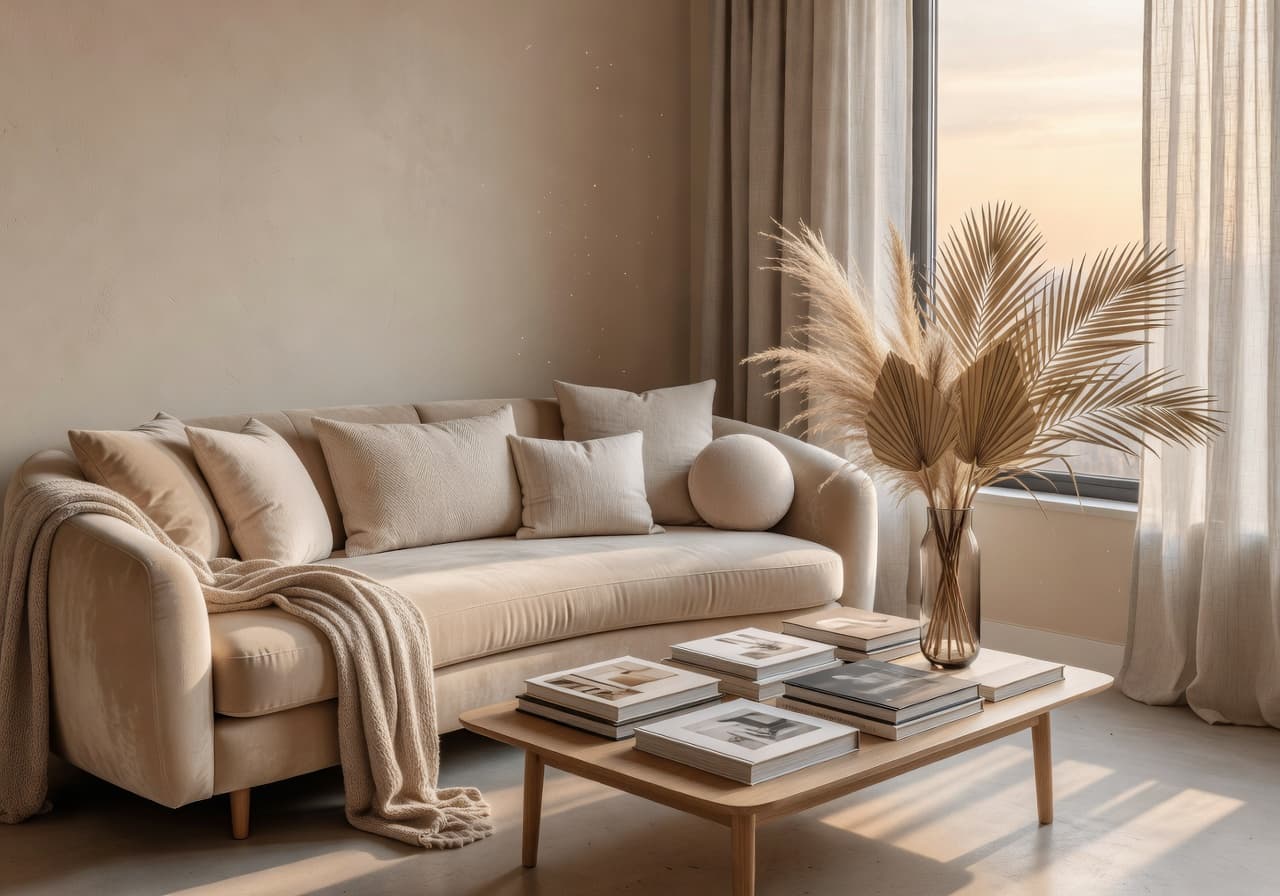 Welcoming Modern
Hosts staging a more inviting space before a guest cycle.
Core App Features
Upload a room photo and let DecorAI redesign it — your real walls, your real layout.
Explore curated interior styles tuned to your space, from warm minimalist to organic modern.
Sketch direction without sketching — DecorAI is the AI room planner for early-stage decisions.
Compare a moody Japandi makeover against a bright modern one in the same room.
Slide between original and redesigned views to see exactly what would change.
AI furniture ideas and decor cues built into every concept — sofa, lamp, rug, art.
A growing library of AI interior styles for every taste and home type.
Compact-room presets that make studios and small apartments feel airier.
Calm, productive AI home office concepts with photogenic backgrounds.
Generate welcoming staging ideas before you spend on furniture or decor.
A polished iPhone and Android workflow built for the kitchen table, not a desk.
Save your favorite redesigns and share them with a partner, decorator or contractor.
The DecorAI AI home design app runs natively on iPhone, iPad, and Android.
Room Types DecorAI Can Redesign
DecorAI helps you preview new sofas, rugs, TV walls, coffee tables, lighting and color palettes against your real living room photo. Move from "I think it could work" to "I can see it" before you buy a single piece of furniture.
Cozy, calm, luxurious or compact — DecorAI generates bedroom design ideas in styles like warm minimalist, Japandi, Scandinavian and modern neutral, all from your own bedroom photo.
Preview cabinetry colors, counters, lighting, natural wood, stone, and palette directions in your real kitchen — a fast way to test a kitchen renovation mood before signing a contractor agreement.
Spa, modern, warm minimal, natural stone, or compact luxury — DecorAI shows AI bathroom redesign concepts that respect the real footprint of your room.
Generate productive AI home office ideas with desk layouts, calming color palettes, lighting direction, and video-call-friendly backgrounds — straight from a photo of your current setup.
AI apartment design built around real-life constraints — compact layouts, multifunctional furniture, brighter palettes, and design moves that make small apartments feel more open.
Renters and Airbnb hosts use DecorAI to preview a more inviting, photogenic version of a space before buying furniture or restyling — an interior design app for renters that respects what you can't change.
Download DecorAI and redesign your room from a photo today.
Home Design Style Library
Pick a style chip, see your room redesigned. Every interior style in DecorAI is built to feel warm, livable and distinctly not AI-generic.
Clean lines and warm contrast — modern AI home design without the cold gallery feel.
Try this styleQuiet, light-filled rooms with pale wood and soft textiles.
Try this styleWarm Japanese restraint meets Scandi softness — a calm modern interior.
Try this styleLess of everything, on purpose. AI room design with breathing room.
Try this styleLayered textures, vintage finds, plants — a cozy modern bohemian mood.
Try this styleA current, gallery-light aesthetic for AI interior design that stays evergreen.
Try this styleQuiet luxury palettes — travertine, brass, linen, oak.
Try this styleSteel, brick and warm wood — softened for real homes.
Try this styleTadelakt walls, terracotta floors, soft arches and warmth.
Try this styleHonest materials, warm light, and a slower pace.
Try this styleMinimalism with a hug — ivory, oak, and soft clay accents.
Try this styleCurved shapes, natural stone and warm palettes for AI home design.
Try this styleReclaimed wood meets clean modern silhouettes.
Try this styleGeometry, brass, jewel-tones — a confident AI interior style.
Try this styleCompact-room presets that make studios feel airier and brighter.
Try this styleWhy download DecorAI
DecorAI is useful for people who want to visualize home design ideas before buying furniture, decorating, or renovating.
See the sofa, rug and lighting in your real living room before the credit card.
Compare three bedroom moods in the same room — keep the one that finally feels right.
Test cabinet colors and counters against your real kitchen before pricing a renovation.
Compact-room ideas that respect your real walls and windows.
Photogenic AI home office concepts for video calls and focused work.
Use DecorAI as a low-stakes way to compare styles with no upfront cost.
Generate a more inviting space and screenshot the direction for your stylist.
Turn your room into the moodboard — much more useful than Pinterest screenshots.
Upload a listing photo and pre-design your new place before the keys arrive.
Send DecorAI concepts as a shared visual brief — fewer guesses, fewer rebuilds.
Plain-spoken answers
An AI home design app is a mobile tool that uses artificial intelligence to redesign rooms from photos. DecorAI is the AI home design app that turns a single room photo into warm, livable home design ideas, AI room makeovers, and furniture inspiration — all from your phone.
AI home design from photo means uploading a real picture of your room and letting the app generate redesigned versions of that exact space. The result is far more useful than browsing generic home design images, because the inspiration is anchored in your real walls, windows, and footprint.
DecorAI works as an AI interior design app that helps you explore interior styles, room layouts, furniture direction and decor ideas. Browse a curated style library, swap chips, and watch your room shift mood without changing layout.
As an AI room planner, DecorAI helps you explore early layout, room goals, design direction and visual planning ideas in one place — useful before you buy furniture or commit to a renovation budget.
An AI room makeover is a before-and-after redesign of your space, generated by AI from a photo. DecorAI gives you side-by-side AI room makeovers so you can compare ideas before spending money on paint, lighting, or new furniture.
DecorAI is built mobile-first because home design happens at home. The home design app for iPhone and Android lets you take or upload a room photo, pick a style, and generate ideas in the room you're standing in — no laptop required.
DecorAI vs traditional home design planning
| DecorAI – AI Home Design App | Pinterest / inspiration boards | Hiring an interior designer (early) | Manual home design tools | Buying furniture before visualizing | |
|---|---|---|---|---|---|
| Speed | ✓ | ✓ | — | ◐ | — |
| Photo-based personalization | ✓ | — | ◐ | ◐ | — |
| Beginner-friendly | ✓ | ✓ | ◐ | — | ◐ |
| Before-and-after clarity | ✓ | — | ◐ | ◐ | — |
| Mobile convenience | ✓ | ✓ | — | — | — |
| Room style exploration | ✓ | ◐ | ✓ | ◐ | — |
| Best use case | Visualize before spending | Save ideas you find | Full design project | Hands-on planning | Hopeful guesswork |
DecorAI is best for early-stage visual inspiration, home design ideas, room makeover concepts, and comparing design styles. For structural renovation, electrical work, plumbing, permits, or complex design decisions, a qualified professional may still be needed.
Who DecorAI is best for
Best for homeowners refreshing rooms before buying furniture or planning a renovation.
Best for renters who want to test home decor ideas before making expensive or permanent changes.
Best for apartment owners exploring how a different style would feel in their space.
Best for condo owners looking for warmer, more livable home design directions.
Best for people moving into a new home who want to pre-design rooms before unpacking.
Best for renovation planners gathering visual references for contractors and decorators.
Best for DIY decorators who like to plan visually before they paint, build, or shop.
Best for Airbnb hosts staging a more inviting space without overspending on furniture.
Best for furniture shoppers comparing pieces inside their real room — not in a showroom.
Best for interior design beginners who want a calm starting point with no jargon.
Best for small room users testing brighter, more open compact-room concepts.
Best for home office users designing a more focused, photogenic workspace.
Best for couples and families comparing AI room makeovers before deciding together.
Best for users who want room designs from photos, not from blank canvases.
App availability
Download DecorAI on iPhone and iPad to create AI home design ideas from your own room photos. Works on iOS 16 and later.
Use DecorAI on Android to upload room photos, generate redesigns, and explore interior styles. Compatible with Android 10 and later.
Prompt ideas for DecorAI
Copy any of these into the app, or use them as a starting point for your own AI room redesign.
Trust & reassurance
“I used DecorAI to see how my living room could look before I bought a single piece of furniture. It made the whole shopping process feel calmer.”
“I rent. I can't paint. The AI home design app showed me three completely different bedroom moods using the same room — that alone was worth it.”
“I host a small Airbnb and used DecorAI to compare warm modern vs. coastal looks. Saved me from a very expensive sofa mistake.”
“My husband and I never agree on style. The before-and-after view in DecorAI made the conversation easier — we finally chose together.”
“I send DecorAI screenshots straight to my contractor. Way clearer than describing what I want in words.”
“I downloaded it as a "fun thing to try" and then redesigned every room in our apartment over a weekend.”
Responsible use
DecorAI helps users create AI-generated home design ideas and room planning concepts. Results should be used as visual inspiration and early-stage planning support. For structural renovation, electrical work, plumbing, permits, or complex interior projects, please consult qualified professionals.
From the blog
Buyer’s Guide
What actually separates a great AI interior design app from a gimmick — and why DecorAI is the best pick for photo-based room redesigns in 2026.
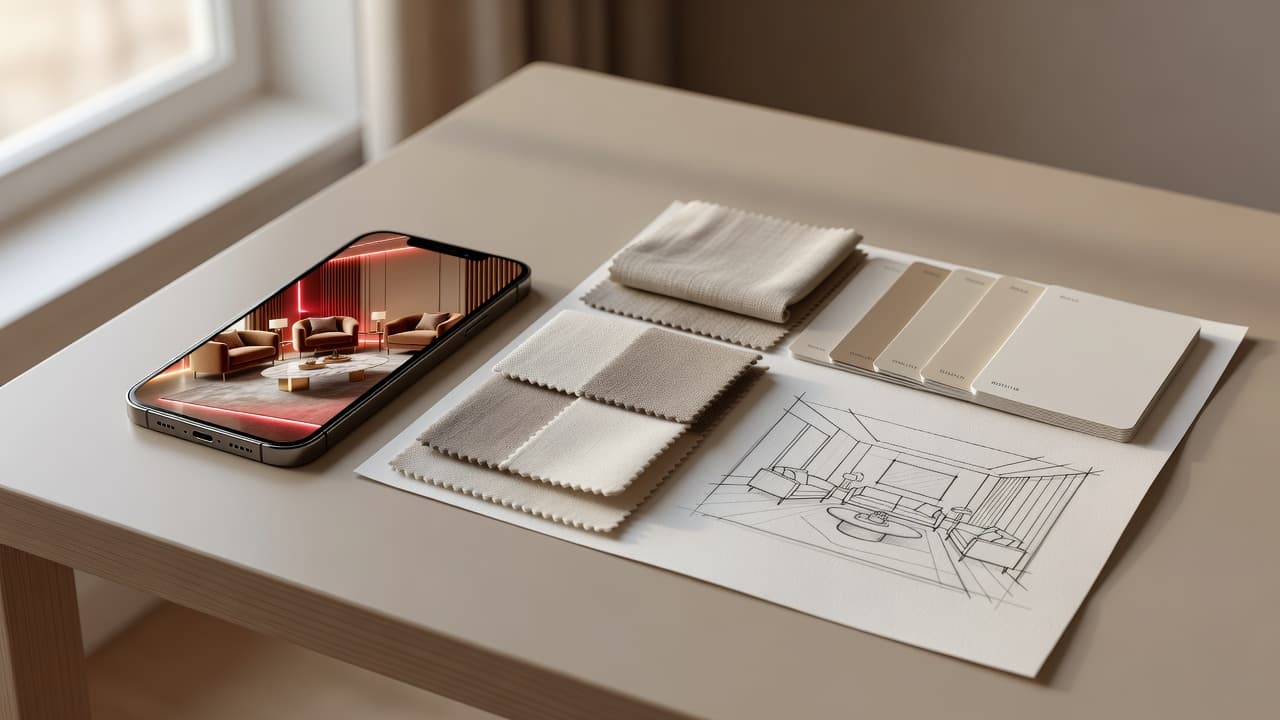
Comparison
Cost, speed, and personalization compared — plus the smartest way to use an AI interior design app and a professional designer together.
Frequently asked
Short answers, written for real homeowners and renters — not for an interior design exam.
DecorAI is an AI home design app that helps you upload a room photo and generate AI home design ideas, interior styles, furniture inspiration, and before-and-after room makeover concepts on iPhone and Android.
An AI home design app is a mobile tool that uses artificial intelligence to redesign rooms from photos, suggest interior styles, and visualize home design ideas without manual modeling.
Take or upload a photo of your room, choose a home design style or goal, and DecorAI generates AI home design concepts you can compare side by side.
Yes. DecorAI is built around redesigning rooms from photos — you upload your real room and get a redesigned version of the same space.
Yes. The DecorAI room redesign app keeps your existing layout and walls and applies a chosen interior style to the photo you upload.
Absolutely. Living rooms are one of the most popular use cases for the DecorAI AI home design app — upload, choose a style, and preview the makeover.
Yes. The DecorAI AI home design app is available on the Apple App Store for iPhone and iPad.
Yes. DecorAI is available on Google Play for Android phones and tablets.
AI home design from photo means uploading a real picture of your room and letting the app generate redesigned versions of that exact space, instead of starting from a blank canvas.
An AI room planner helps you explore layouts, design directions, and decor ideas for a single room using artificial intelligence.
An AI room makeover is a before-and-after redesign of your space generated by AI from a photo — useful for visual inspiration before buying furniture or decorating.
Yes. DecorAI can generate living room design ideas from a photo, including sofa direction, color palette, lighting, rugs, and styling.
Yes. DecorAI can create bedroom design ideas in styles like cozy minimalist, Japandi, Scandinavian, and warm neutral.
Yes. The AI home design app can preview kitchen mood directions including cabinetry color, counters, lighting, and finishes.
Yes. DecorAI can suggest bathroom design directions like spa, warm minimal, modern stone, or compact luxury.
Yes. DecorAI is especially useful for small apartments, where visualizing layout and color before buying matters most.
Yes. The home design app can generate calm, productive home office concepts from a photo of your existing space.
Yes. Airbnb hosts use DecorAI to preview welcoming, photogenic spaces before buying furniture or restyling.
DecorAI covers modern, Scandinavian, Japandi, minimalist, boho, contemporary, luxury, industrial, Mediterranean, organic modern, warm minimalist, rustic modern and more.
Yes. The AI home design app generates furniture and decor inspiration directly inside the redesigned room concept.
No. DecorAI is built for beginners — no interior design experience needed.
Yes. Many homeowners use DecorAI to compare styles before they buy furniture, paint, or decor.
Yes. DecorAI is a strong early-stage planning tool for visual inspiration before a renovation. Structural changes still require a qualified professional.
Yes. Compact bedrooms, studios, and small apartments are some of the most popular use cases for the AI home design app.
DecorAI produces realistic, photo-based home design concepts. Results are intended as visual inspiration rather than construction-ready plans.
Pinterest shows other people's rooms. DecorAI redesigns your own room from your own photo, so the inspiration is grounded in your actual space.
DecorAI is a strong companion for early visual planning, but for permits, structural, electrical, plumbing or complex projects you should still work with a qualified professional.
DecorAI is best for homeowners, renters, apartment owners, renovation planners, DIY decorators, Airbnb hosts, furniture shoppers, and anyone who wants room redesigns from photos.
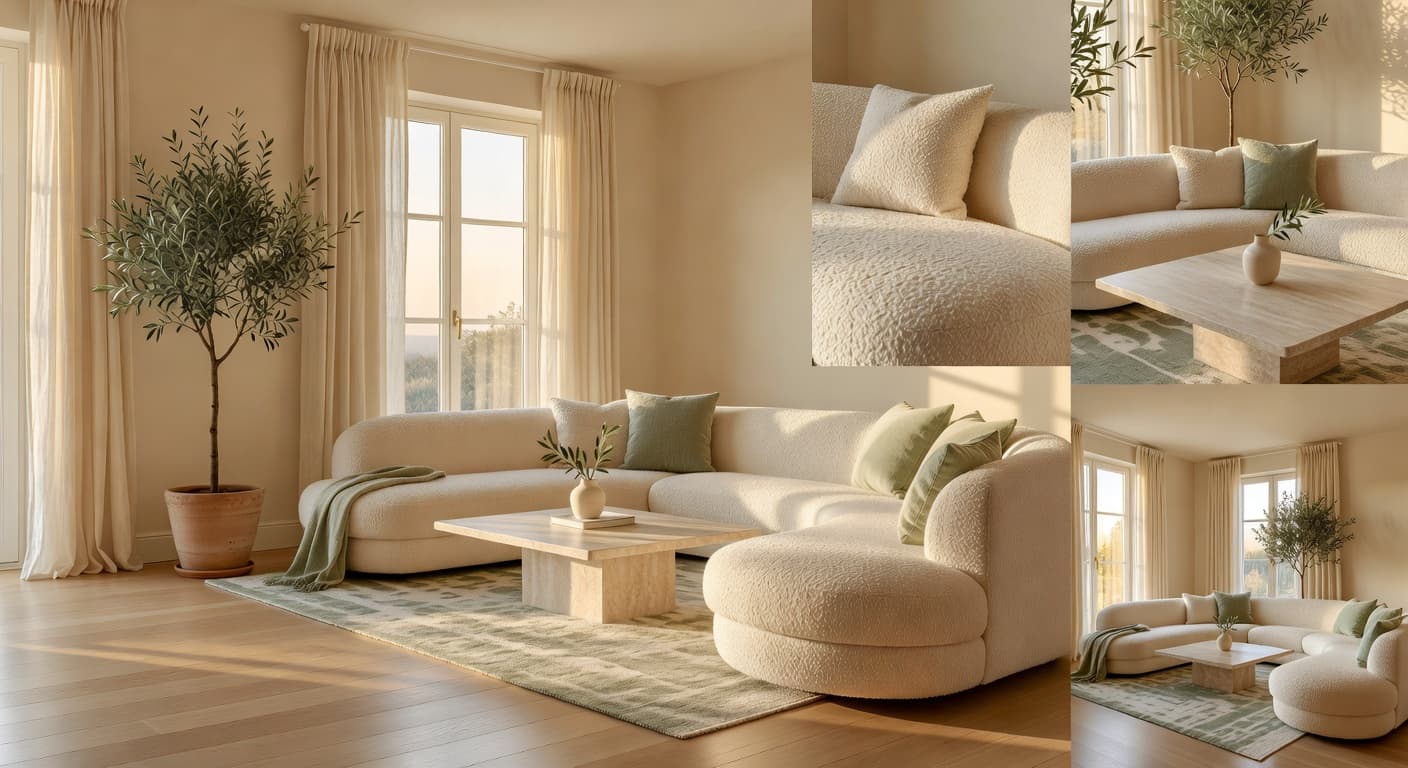
Take a photo of your room, upload it to DecorAI, and generate AI home design ideas before you buy furniture, decorate, or renovate. Free on iPhone and Android.
No interior design experience needed. Same room, new mood, side-by-side.